
You live whether real life or internet life security is always first priority, in this internet world safety in the most important like real life, if you’re not safe you can make your own loss whether it can be financial social or any other loss.
If you want to protect your account or internet life you need a Two-Factor Authentication app, from Two-Factor Authentication apps helps you can make your accounts or internet life bulletproof.
If you don’t know how you can find for you best Two-Factor Authentication app, don’t worry, in this article i will share with you 8 Best Two-Factor Authentication apps thats helps you can take your security app according to you.
2FA –
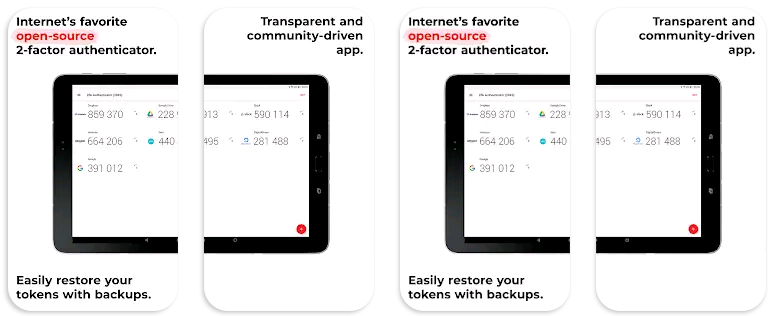
2FAS is the easiest way to enable two-factor authentication (or multi-factor authentication) to verify your identity and securely log in to accounts to keep your personal data and passwords protected from cyber threats it is all from one app, 100% free.
It is a open-source and transparent app, it is work also in offline from this app you don’t need to store any passwords or metadata, it is 100% anonymous use, no account required.
Duo Mobile –
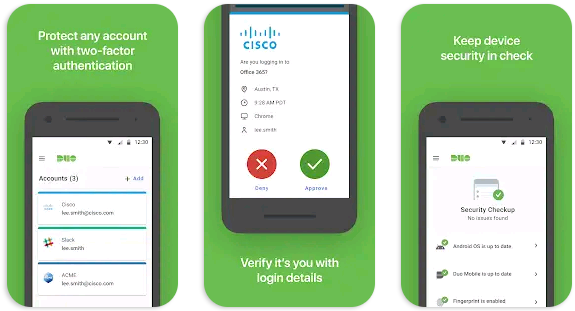
Duo Mobile works with Duo Security’s two-factor authentication service to make logins more secure, this application generates passcodes for login and can receive push notifications for easy, one-tap authentication.
You can also use Duo Mobile to manage two-factor authentication for other application and web services that make use of passcodes, it is also has a companion app for Wear OS, Duo Wear, making secure authentication even more convenient on your smartwatch.
Google Authenticator –

Google Authenticator is the one of the most popular authentication app comes with over one hundred million downloads on google play store, this app helps you can adds an extra layer of security to your online accounts by adding a second step of verification when you sign in.
It is comes with many of useful features like it can sync your Authenticator codes to your Google Account and across your devices thats helps you can always access them even if you lose your phone, you can create multiple accounts.
Microsoft Authenticator –
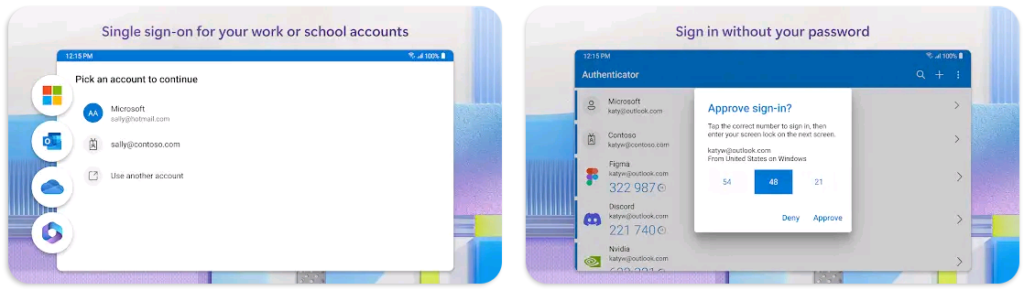
Microsoft Authenticator is also a most popular authentication app comes with over one hundred million downloads on google play store like Google Authenticator app.
Microsoft Authenticator Said – Use your phone, not your password, to log into your Microsoft account. Just enter your username, then approve the notification sent to your phone. Your fingerprint, face ID, or PIN will provide a second layer of security in this two-step verification process. After you’ve signed in with two factor authentication (2FA), you’ll have access to all your Microsoft products and services, such as Outlook, OneDrive, Office, and more.
LastPass Authenticator –
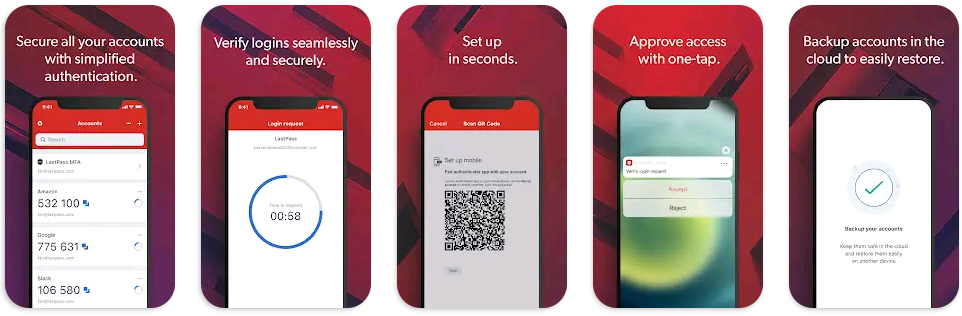
LastPass Authenticator offers effortless two-factor authentication for your LastPass account and other supported apps, you can do one-tap verification and secure cloud backup, LastPass Authenticator gives you all the security, without any of the frustration or problem.
It is comes with many of useful features like automatically generates 6-digit codes every 30 seconds, available support for SMS codes, Push notifications for one-tap approval, you can also add multiple accounts and even more features are available.
Firewall Security –
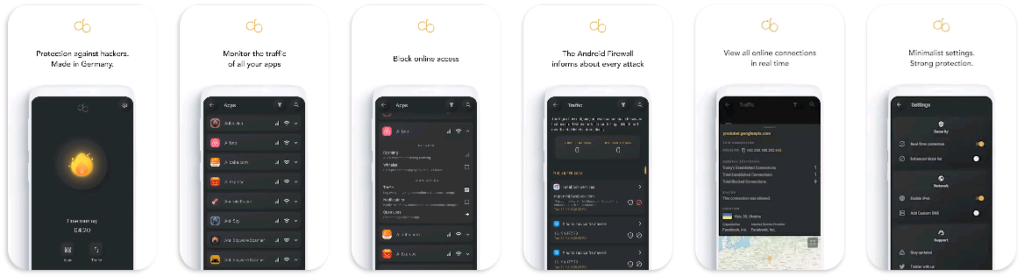
Firewall Security app is an advanced cybersecurity solution designed specifically for android devices, it combines the power of a secure firewall system to create a defense against unauthorized access, malicious malware, spyware & potential data breaches.
This security app not only protects you from espionage but also provides hacker protection from hacking attacks, keeps hackers & spies away, it is reliable app blocker which has great ability to block all internet attacks & the anti hacker security privacy protects against unwanted access through the internet & prevents unauthorized access to your device.
TOTP Authenticator –
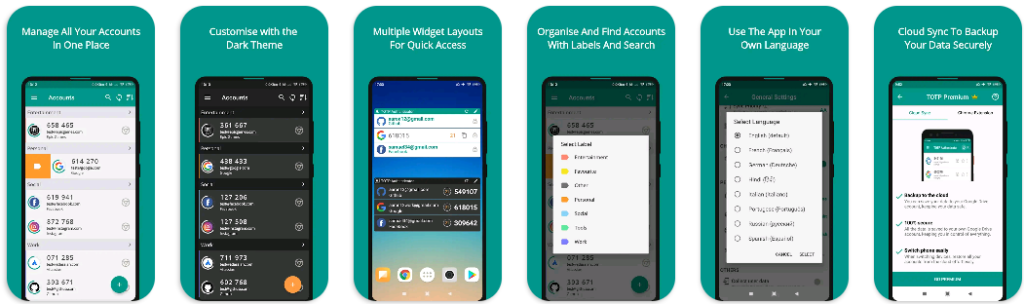
TOTP Authenticator is also allows you to quickly and easily protect your accounts by adding 2-factor authentication (2FA), this app generates one-time tokens on your device which are used in combination with your password.
On this app available Cloud Sync service thats means is you can easily backup your 2FA accounts to your own Google Drive, this keeps you in total control of your data while providing effective cloud backup, if you use the Cloud History feature, you can easily restore recently changed data with ease but it is available only in premium.
Yandex Key –
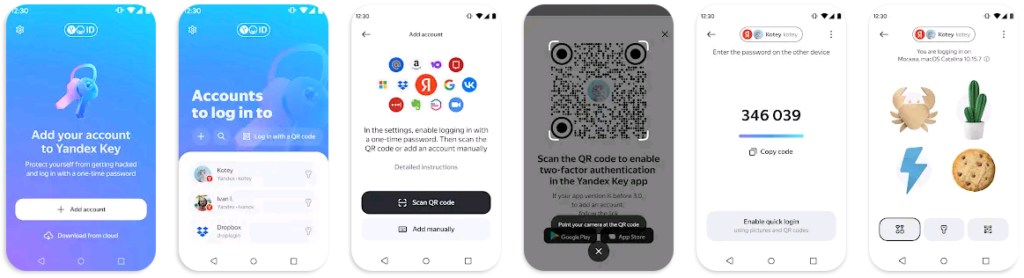
Yandex.Key is an authenticator generating one-time passwords (OTP) for Yandex, Google, GitHub, Dropbox, Vk.com, and other services with two-factor authentication.
From this app helps you can protect your data get backup the data in Yandex.Key on Yandex’s servers, to use in case something happens to your device.
FAQ –
Question; Is 2FA 100% safe?
Answer; No, it isn’t 100% safe but it is 99% safe, thats not 100% garranty.
Question; What is benifits of enabling 2FA?
Answer; You can make more improvement in your account security whether which account you have social media or other if you want to protect your account or internet life you need a Two-Factor Authentication app, from Two-Factor Authentication apps helps you can make your accounts or internet life bulletproof.
Two-Factor authentication can blocks 99% attacks who can try to hack your account.
Question; What is the Duo Mobile app for?
Answer; Duo Mobile works with Duo Security’s two-factor authentication service to make logins more secure, this application generates passcodes for login and can receive push notifications for easy, one-tap authentication and you can also use Duo Mobile to manage two-factor authentication.
Conclusion –
Two-Factor authentication is the most important and popular way to protect your personal things in this digital world, with these apps helps you can make Two-Factor authentication in your important accounts.
I hope you like this information about these Two-Factor authentication apps, if you have any question about this post or our website you can ask in comment section or you can ask in our contact form.