
In this digital world be digital is most important, you need to be digital from your conversation if you wanna fast conversation in this digitalization world, in internet world available a digital conversation thats called is messaging but you can do messaging from any where but if you need secure messaging or conversation you comes on the right place.
If you wanna digital and secure conversation or secure messaging in your android device, you need to download a third-party app thats helps you can do this but in the market available many of different apps, thats the reason you can’t trust easily on unknown messaging app.
Don’t Worry, your problem solution available in this article because in this article i will share with you 5 best secure messaging apps for android phone and tablet.
Signal –
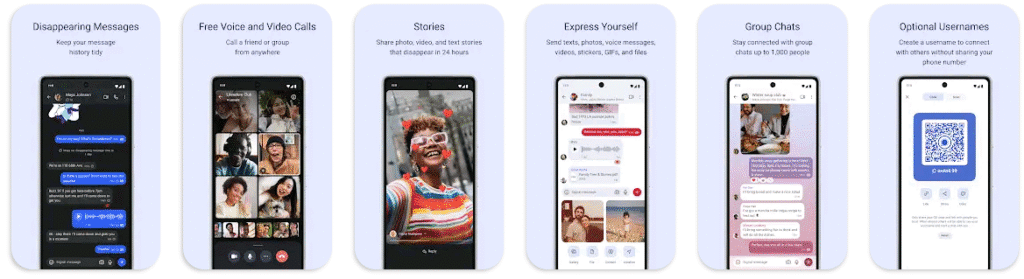
Signal is the one of the most popular secure messaging app comes with over one hundred million downloads on google play store, it is free and easy to use app, with strong end-to-end encryption that keeps your communication completely private.
You can call your friends with crystal-clear encrypted voice and video calls and you can add up to 50 peoples on your group call even you can stay connected with group chats up to 1,000 people.
Wire –

Wire is also a secure messaging app but it is not popular like signal because it is comes with over one million downloads on google play store, with this app helps you can communicate and collaborate securely and easily.
You can do everything things in this app like you do in other app, you can do call, chat, share pictures and files, audio and video.
Even you can customize this app according to your needs like you can choose your favorite color, theme, and suitable text size, you can draw a sketch in any conversation and more.
In this app available a very useful feature that is you can use wire on up to 8 devices messages are separately end-to-end encrypted for each device but your conversations are in sync across devices.
Element –
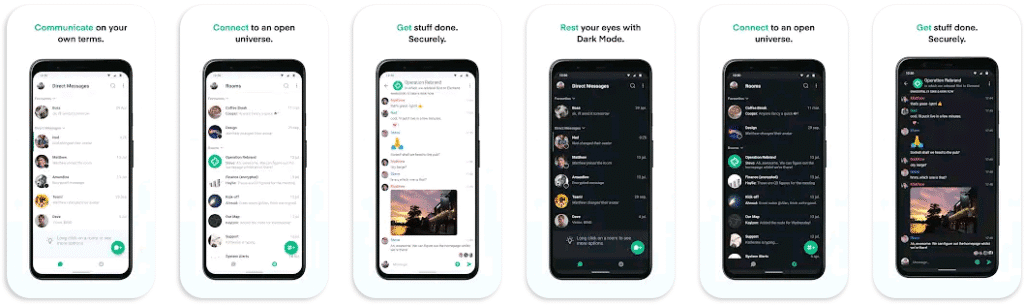
Element is both a secure messenger and a productivity team collaboration app that is ideal for group chats while remote working, it is comes with over one million plus downloads on google play store.
This app offers you advanced online communication tools, available fully encrypted messages to allow safer corporate communication, even for remote workers, you can do video chats with Voice over IP and screen sharing and even more.
Telegram –
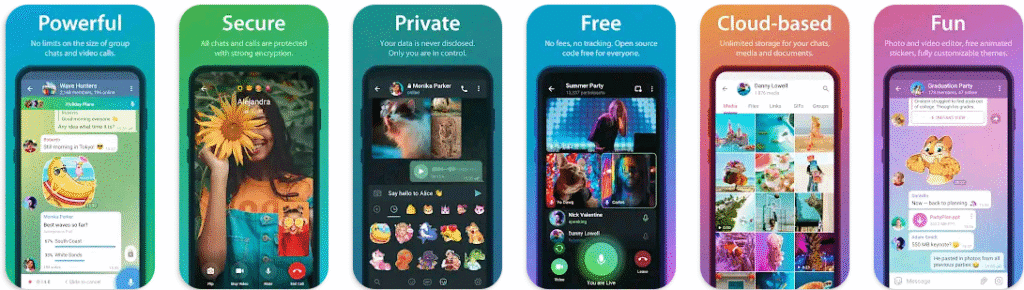
Telegram is a most popular group chatting app comes with over one billion downloads on google play store, you can use this app for doing as a individual chats but most of the peoples use this for group chats or conversation.
Telegram Said – Telegram is the fastest messaging app on the market, connecting people via a unique, distributed network of data centers around the globe and We take your privacy seriously and will never give any third parties access to your data. You can delete any message you ever sent or received for both sides, at any time and without a trace. Telegram will never use your data to show you ads.
It is easy to use app, you can access your messages from all your phones, tablets and computers at once and even more features are available, it is fully feature loaded app.
WhatsApp –
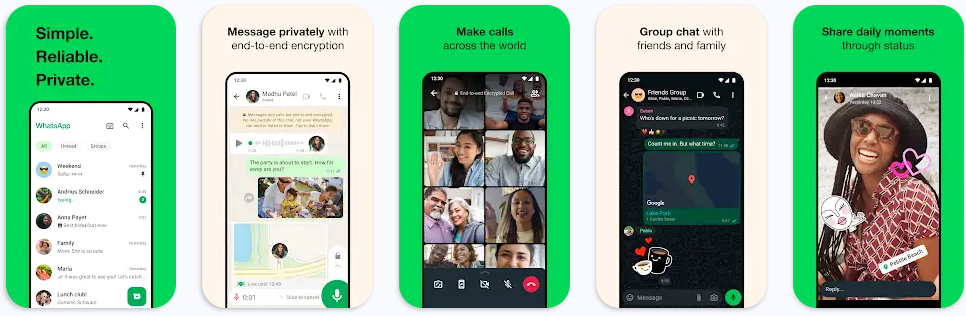
WhatsApp is the one of the most app over all world comes with over ten billion plus downloads on google play store, almost every one know about whatsapp who use internet or google, facebook.
WhatsApp is a free messaging and video calling app, it’s used by over 2 billion people in more than 180 countries, It’s simple, reliable, and private app who comes with no subscription fees.
It is also a secure and fully feature loaded app like you can share your location with only those in your individual or group chat, and stop sharing at any time, you can use whatsapp on your wear OS watch to continue conversations, reply to messages, and take calls and even more things you can do.
FAQ –
Question; Which is the no. 1 messaging app?
Answer; WhatsApp is the number one and worlds most popular messaging and chatting app who comes with billions of downloads on google play store, almost every one who doing chats use whatsapp every you can use whatsapp in your business.
Question; Is WhatsApp completely free?
Answer; Yes, WhatsApp is completely free to use app who comes with no subscription plan.
Question; Does Element work without internet?
Answer; By the way, the Element app generally not designed for offline use but you can use little bit of this app in offline condition.
Conclusion –
Private or personal messaging is play the most important roll in our daily life but it isn’t important private messaging is only for couples, it is works for everywhere like in you business life, you meeting, your important deals or any other places.
You can easily solve your privacy problem with these apps because these are the most popular and trusted messaging apps who comes with millions and billions of downloads on google play store, even i personally use a apps from this list.
And i hope you like this post, if you have any question about this post or our website you can ask in comment section or you can use our contact form to ask questions.